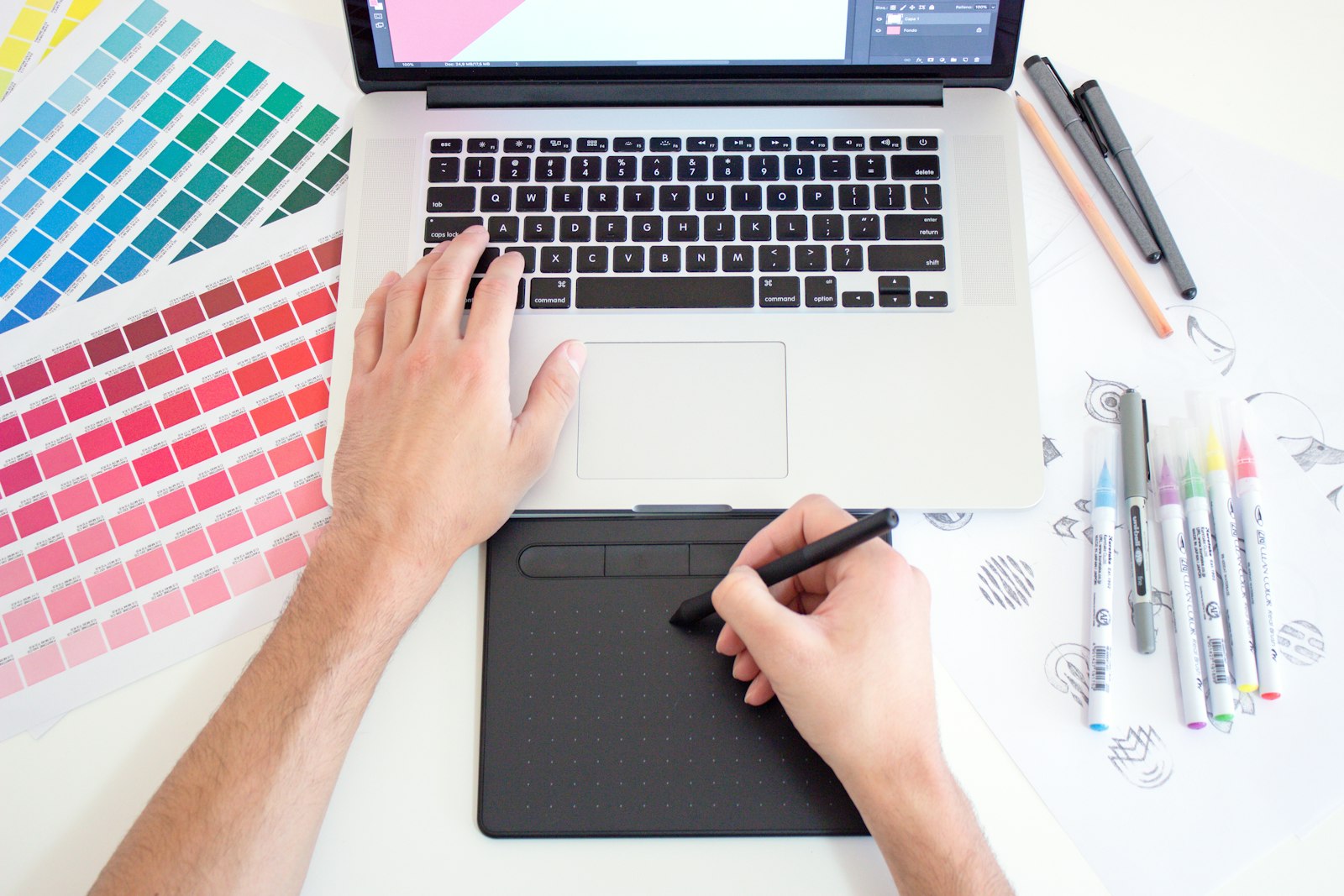
The various sizes and placements of banner ads mean that consistent design is key from the off.
In short
Consistent HTML5 banner ads start with fixed fonts, exact colour values and one master template that every size is resized from. Simplify your logo at small sizes, keep animation in step with your brand, test contrast on light and dark backgrounds and mirror the hierarchy of your website.
Lock Down Your Palette and Type Scale
Use embedded fonts. Specify exact hex values for colour. Specify the exact font files to use. If a display environment substitutes a fallback font, your carefully chosen type scale collapses instantly.
Use One Master Template
Use one Master Template and resize from there, to ensure correct spacing, button styles and overall layout, while maintaining the correct ratio. If you are still choosing formats, our guide to the six types of display ads explains the main options.
Handle Logos Carefully at Small Sizes
For smaller size placements (e.g. 125×125, 120×60) a simplified version of your mark (wordmark only or icon only) is usually more readable than a full lockup with tagline. Specify minimum clear space around the mark so that it will not be crowded by surrounding objects.
Keep Animation Style On-Brand
The type of animation and the easing and timing used to play it out will define the brand personality, mirroring what is used elsewhere in your touchpoints and communication.
For HTML 5 Ads, see The Bannermen.
Check Contrast Against Every Background
Test the ad against a white background and a dark background to check that the text and logo are visible enough. Note that for display ads, this must comply with the display ad standards as set out by IAB UK.
Match the Visual Hierarchy of Your Other Touchpoints
Make sure the hierarchy of the information on your website is mirrored in the banner ad, so people who click through feel they have arrived at a familiar place.
Consistency is not accidental. It comes from making the same design decisions in the same way, every time.
FAQs
What is an HTML5 banner ad?
It is a display ad built with HTML, CSS and JavaScript rather than a single flat image. It plays in the browser, scales cleanly and can include animation and clickable elements, which is why it replaced the old Flash format.
Which banner sizes should I design first?
The medium rectangle (300×250), leaderboard (728×90) and mobile banner (320×50) are among the most widely used sizes, so many designers build those first and adapt the rest from the master template.
Do HTML5 banners need a static backup image?
Most ad platforms ask for one, to show when the animation cannot play. Treat it as a strong frame in its own right, usually the final frame with your logo and call to action clearly visible.
How long should a banner animation run?
Ad networks usually limit animation length and the number of loops, so check each platform’s specification before you build. Make sure your key message and logo are visible on the last frame, as that is what most people will see.