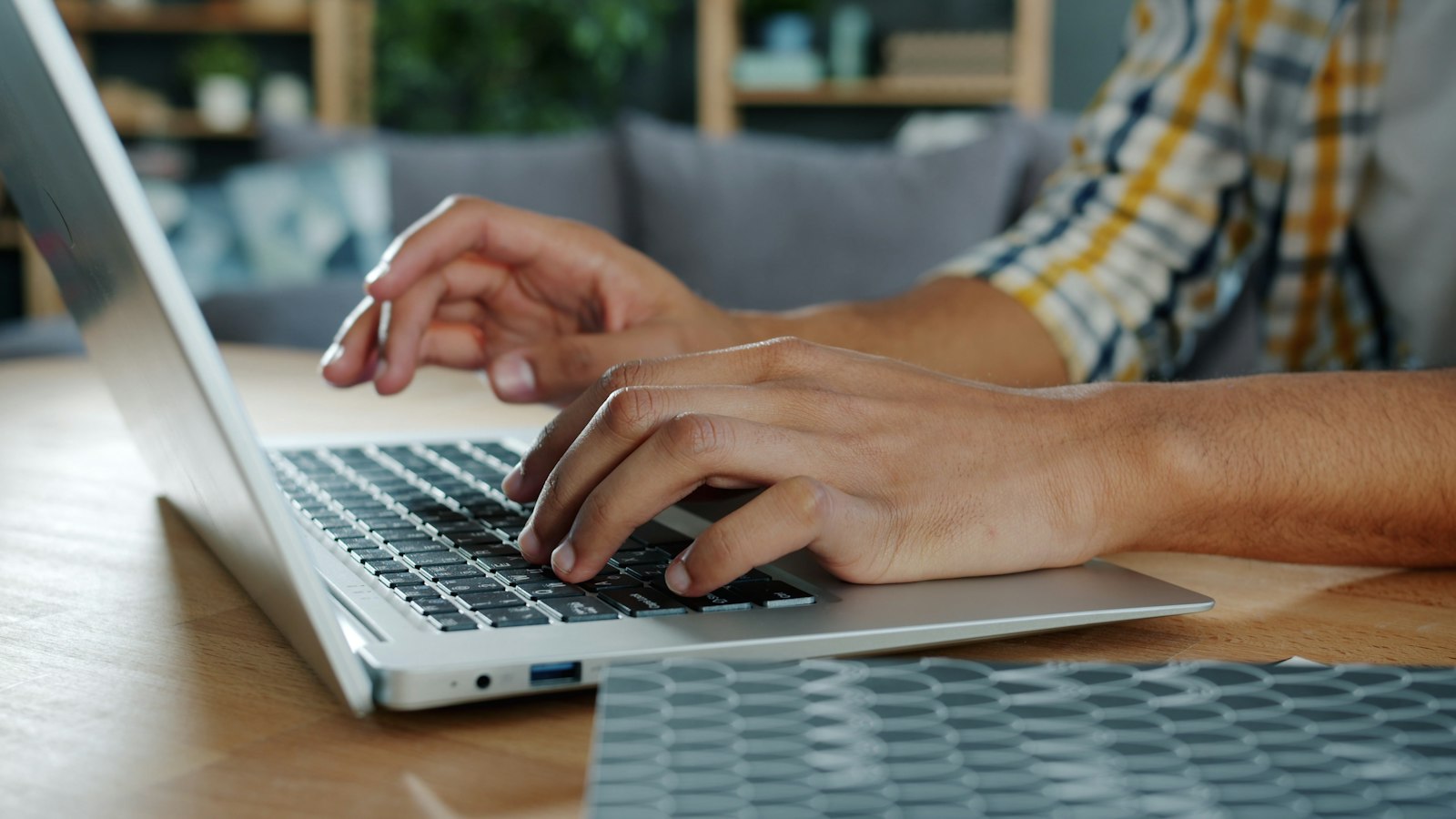
A single careless click can expose devices, accounts and personal data to serious harm. Malicious links are designed to exploit trust, speed and distraction, often causing damage before users realise anything is wrong. Understanding the risks is the first step towards safer online behaviour.
How Malicious Links Cause Damage
Clicking a malicious link can trigger several outcomes. Some links redirect users to fake websites that closely mimic legitimate services, capturing login details or payment information. Others initiate automatic downloads, installing malware or ransomware without further interaction. Email, text messages and social media are common delivery channels.
Once compromised, devices may experience data theft, unauthorised access or long-term monitoring. These risks increase significantly when basic website security checks are overlooked or software is outdated. Even cautious users can be caught out by convincing messages that appear routine at first glance.
For those interested in website security checks, consider connecting with an expert such as etempa.co.uk/website-security-checks.
Why Prevention Matters More Than Recovery
Preventing exposure is far easier than reversing damage. Slowing down, checking links carefully and avoiding impulsive clicks all reduce risk. Hovering over links, checking spelling and confirming unexpected messages independently are simple habits that help. Regular website security checks also play a key role by identifying weaknesses that attackers commonly exploit.
What to Do After Clicking a Suspicious Link
If a link has already been clicked, immediate action is essential. Disconnecting from the internet, running a full security scan and changing passwords can limit further damage. Monitoring account activity closely is equally important.
Related: What Covid Has Meant for Cybercrime
Everyday habits that cut the risk
Avoiding risky clicks is easier with a few simple habits. Only open links in emails from people you trust, since spam and phishing messages often carry links that install malware. Pop-ups can hide malicious code too, so if an unsavoury-looking one appears, close the browser altogether rather than clicking anything inside it.
Fraudsters build sites that look and behave like the real thing to trick people into typing in their username and password. Checking the address in the browser bar before entering any details is the best way to confirm a site is genuine. Strong passwords add another layer: use a different one for each site, mix capital letters, numbers and special characters, and avoid anything people may know about you, such as your date of birth.
Finally, run antivirus software or a firewall on your device, ideally with automatic updates so it keeps up with new threats as they appear.